1.1 Register
Goal: Register an account at axiomcode.top and complete email activation. This is the first step to using AxiomCode.
Step 1: Open the registration page
Visit https://axiomcode.top and click the "Register" button in the top-right corner.
If your nickname / avatar is already shown in the top-right corner, you are already logged in and can skip straight to Create an API key.
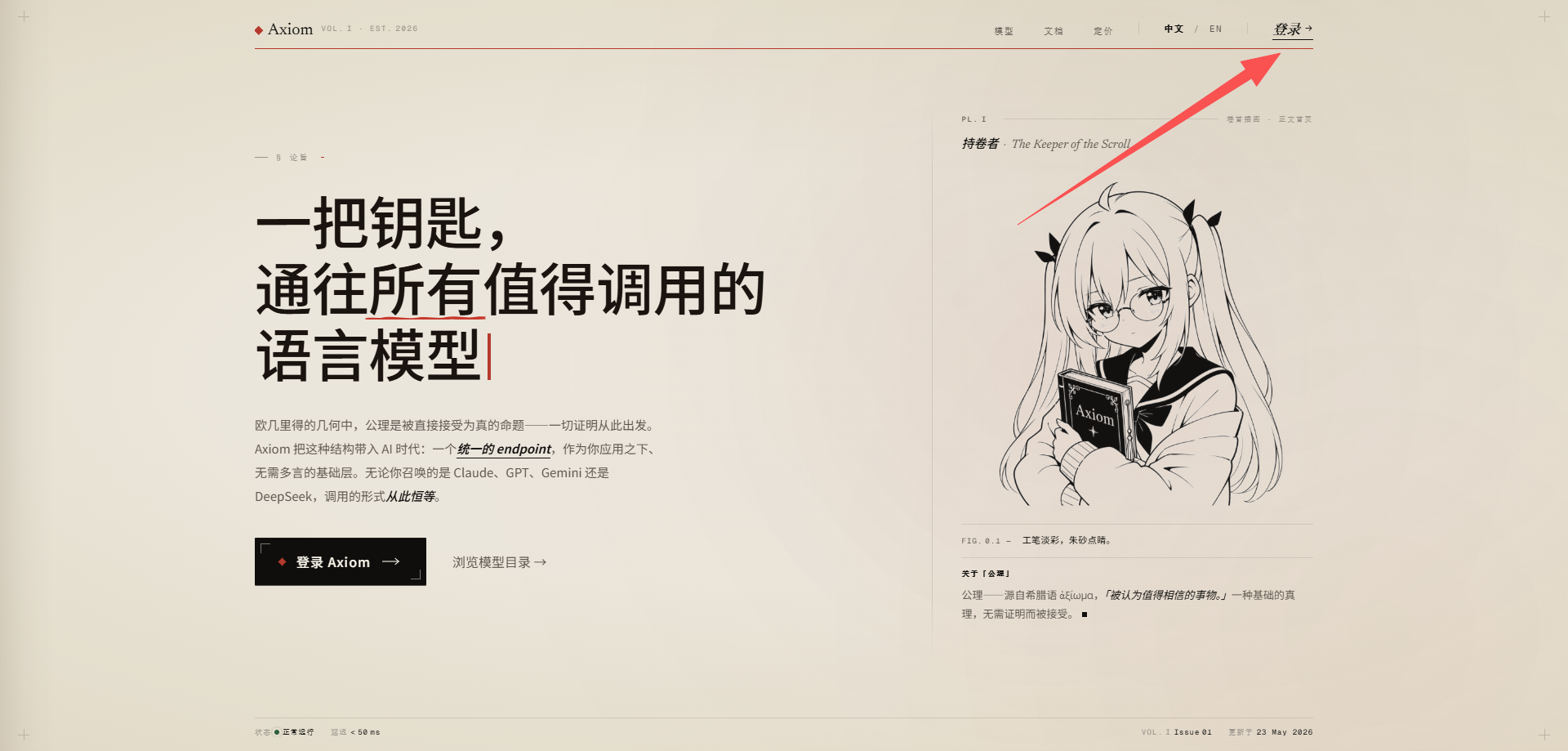
Step 2: Fill in your registration details
Complete the form field by field:
| Field | Description |
|---|---|
| Used for login, password recovery, and account notifications. Use a regular email address that can reliably receive mail | |
| Password | At least 8 characters; a mix of letters + numbers + symbols is recommended |
| Invitation code | Optional |
| Verification code | Complete as prompted |
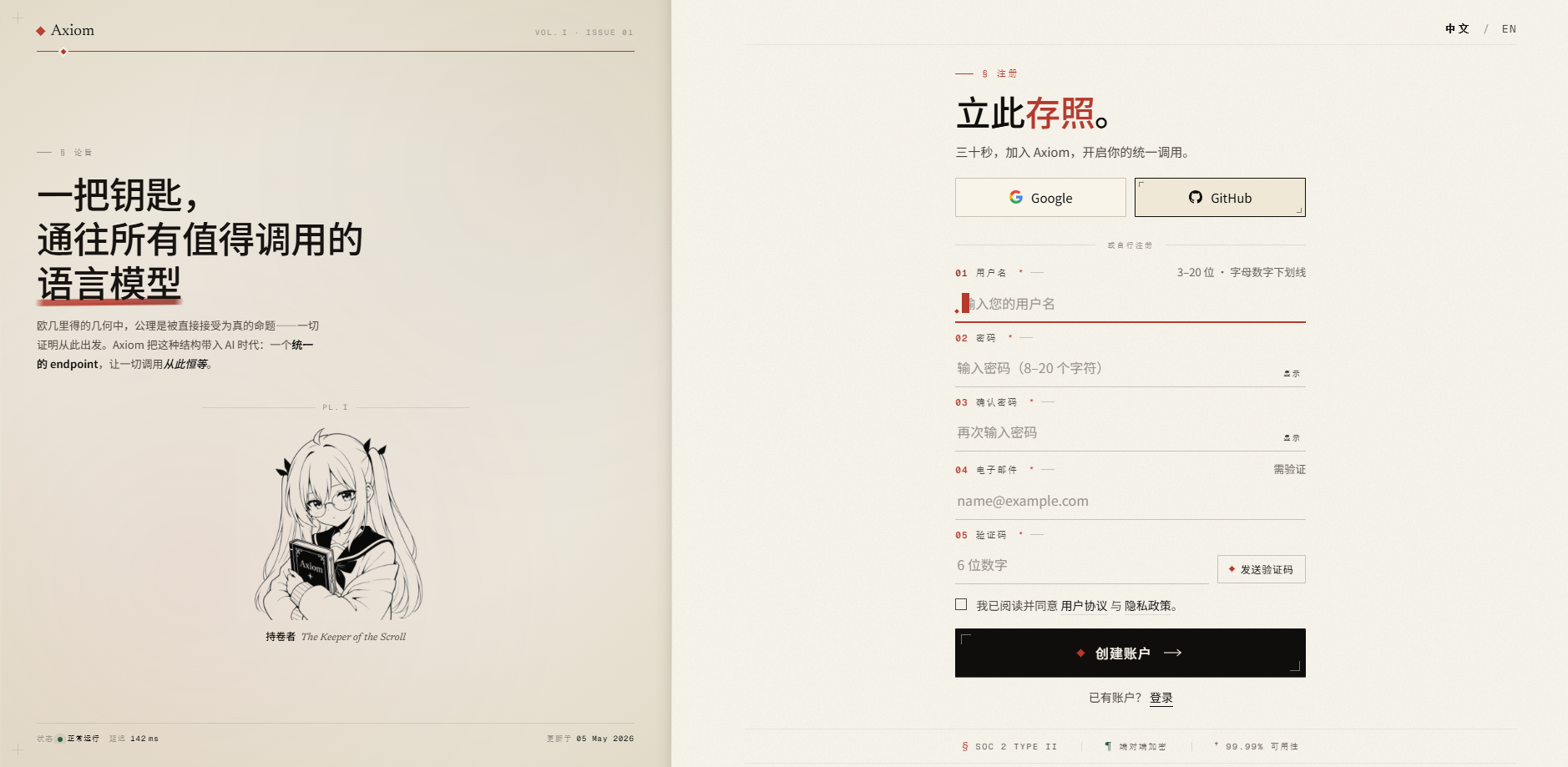
Your email matters
Account security alerts, balance changes, and key-leak warnings are all sent to this email, so be sure to enter a real, regularly used address.
Step 3: Submit and complete activation
After clicking Register, check your inbox for the AxiomCode activation email (if you don't see it, check your "Spam / Promotions" folder), and click the activation link in the email to complete activation.
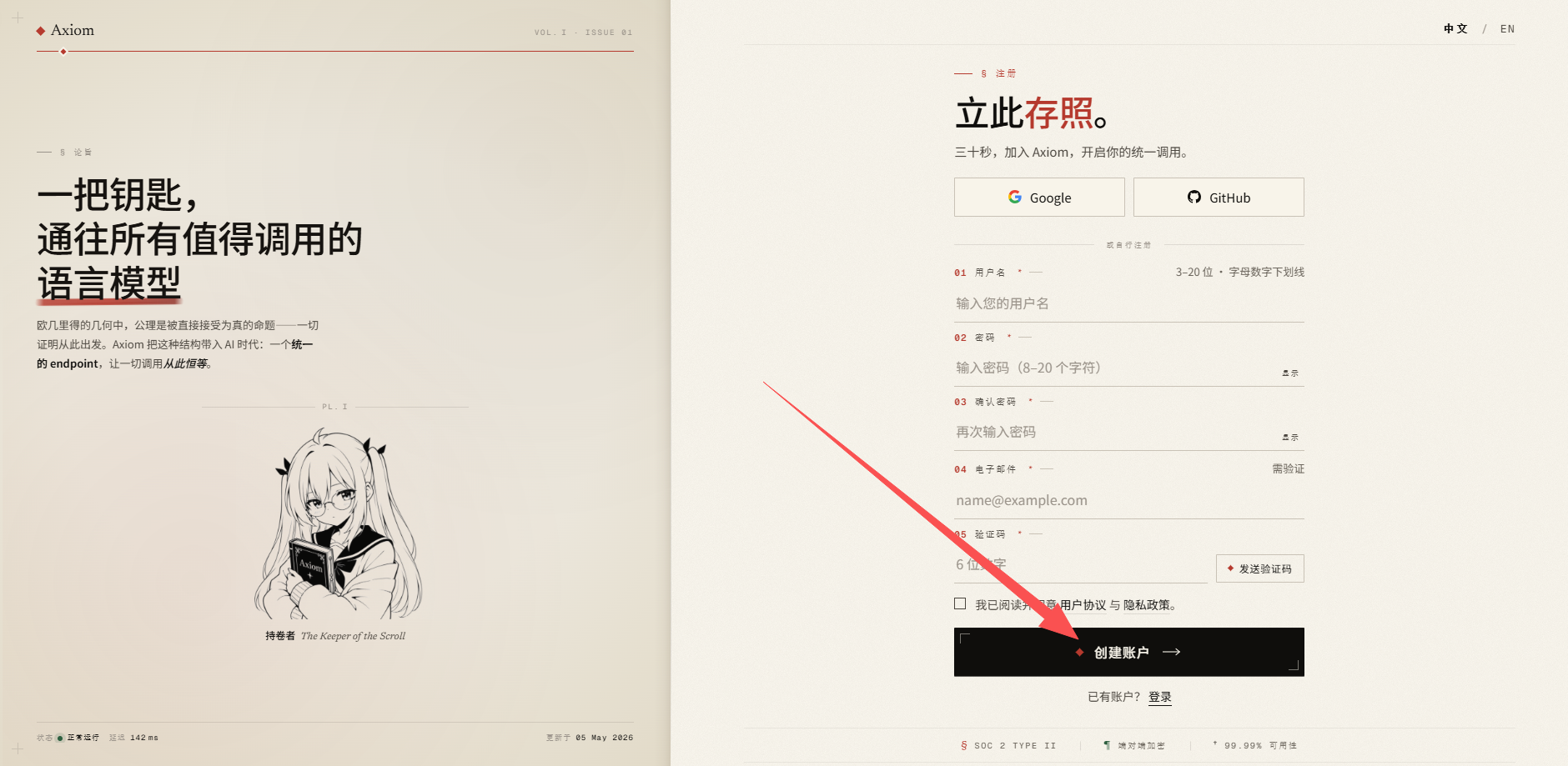
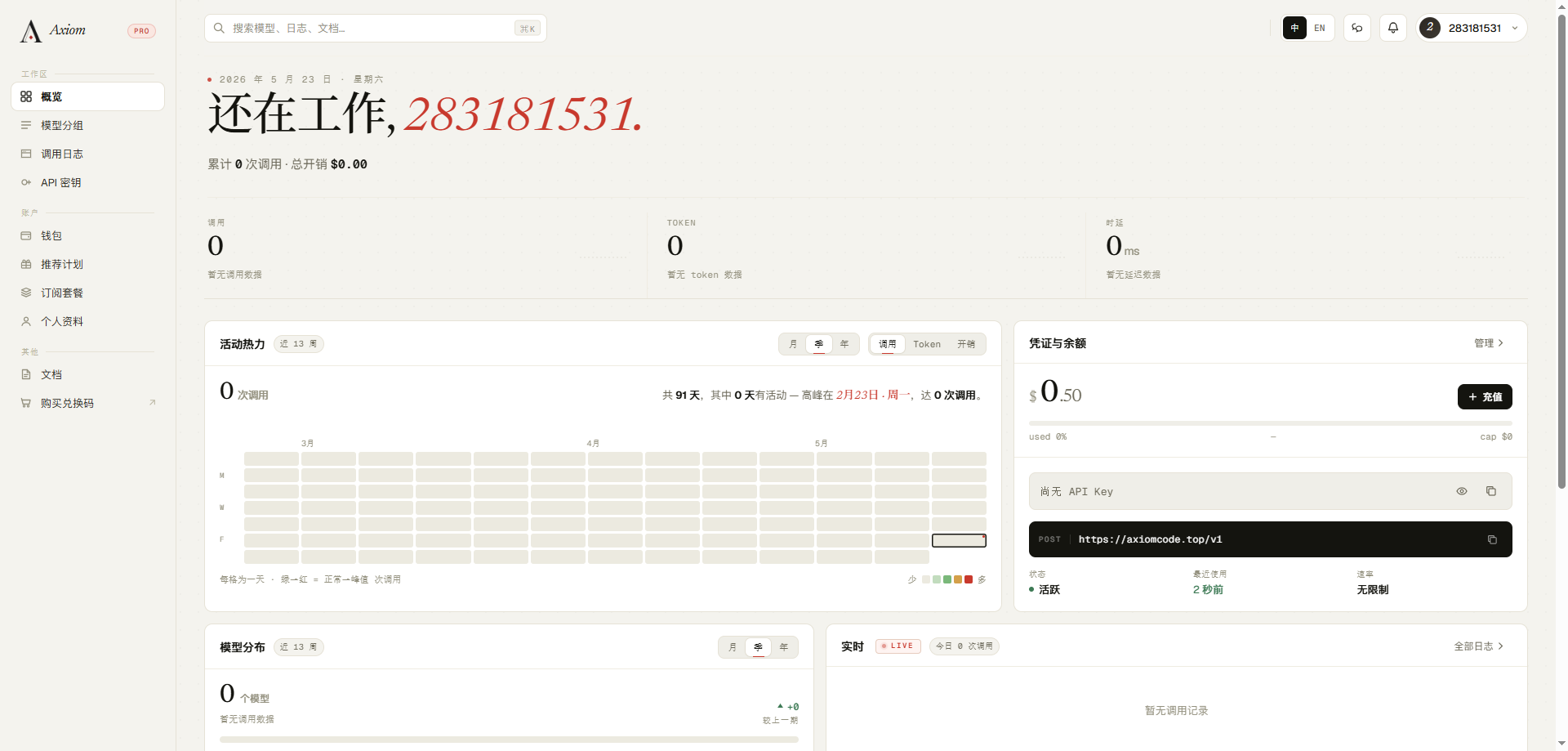
Step 4: Log in and verify your account
Return to axiomcode.top and log in with the email and password you just used. After a successful login, your avatar / nickname appears in the top-right corner, and the left-hand menu shows entries such as Account, Billing, and API Keys.
FAQ
Getting "This email is already registered"? It means this email was registered before. Use "Recover password" or register with a different email.
Not receiving the activation email?
- Check your "Spam / Promotions" folder.
- Switch to Gmail / Outlook / 163 / a corporate mailbox; QQ Mail occasionally blocks messages.
- If you still don't receive it, click "Resend activation email" on the login page.