1.2 Recharge & Subscription
AxiomCode uses "prepaid balance, pay-as-you-go" billing: you can use as many tokens as your account balance allows. There is no automatic subscription and no mandatory card binding.
When to recharge
A rough guide based on usage intensity:
| Intensity | Amount | Typical scenario |
|---|---|---|
| Light trial | ¥5 – ¥10 | Writing code snippets and running demos now and then |
| Personal primary | ¥30 – ¥80 / month | Daily use of Codex / Claude Code on real projects |
| Team / heavy | ¥200+ | Multiple machines, multiple clients, CI automation, long context |
Open the recharge page
After logging in, click the wallet icon, or go directly to https://axiomcode.top/billing. The page shows your current balance, spending history, and the recharge entry.
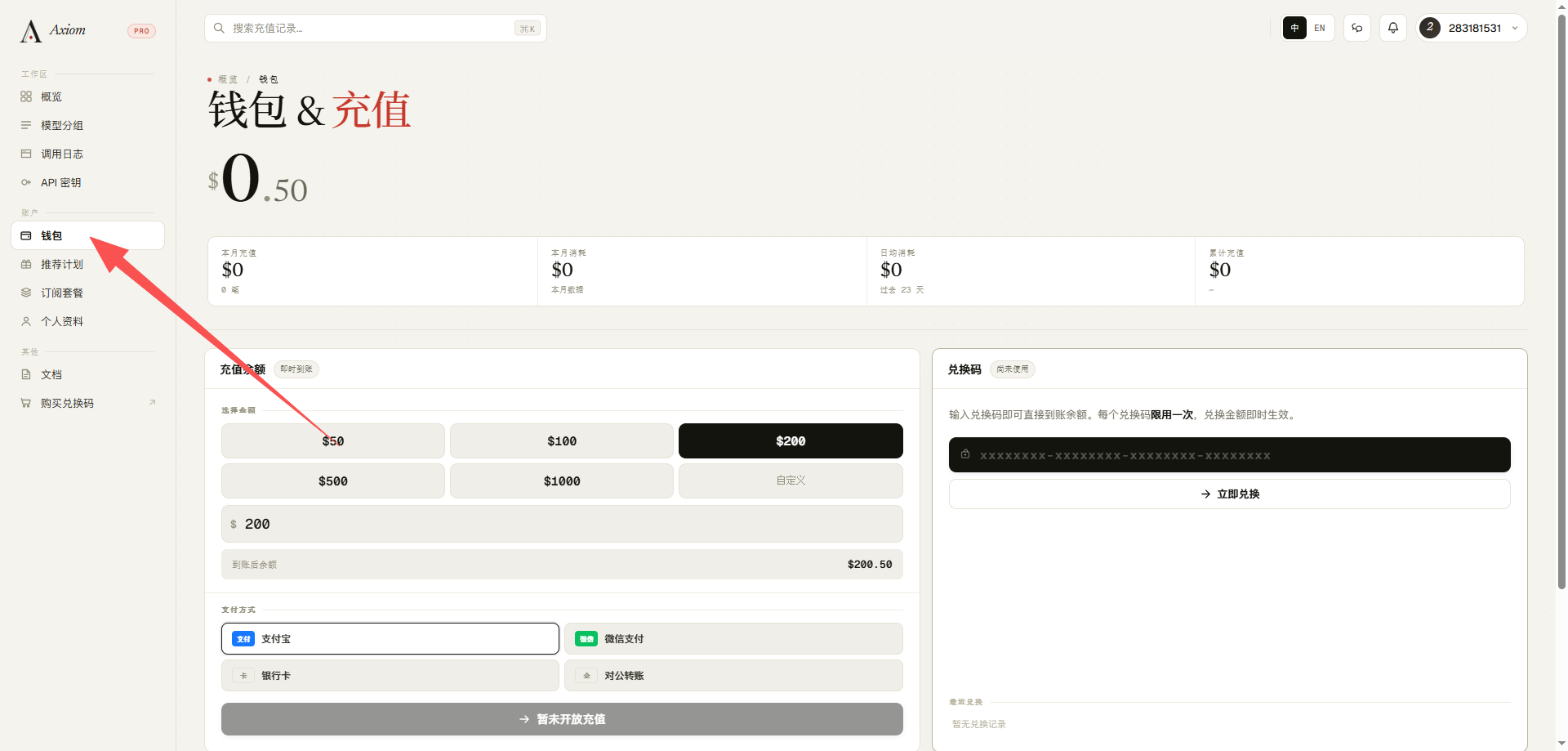
Two ways to recharge
Option A: Redemption code (recommended)
- Visit the shop at https://pay.ldxp.cn/shop/axiom.
- Choose a denomination, pay, and instantly receive a redemption code.
- Return to the recharge page, paste the redemption code, and your balance is credited instantly.
For detailed steps, see 1.3 Redemption Codes.
Option B: Online payment
Recharge directly via WeChat / Alipay on the recharge page (availability depends on your account's region).
Notes
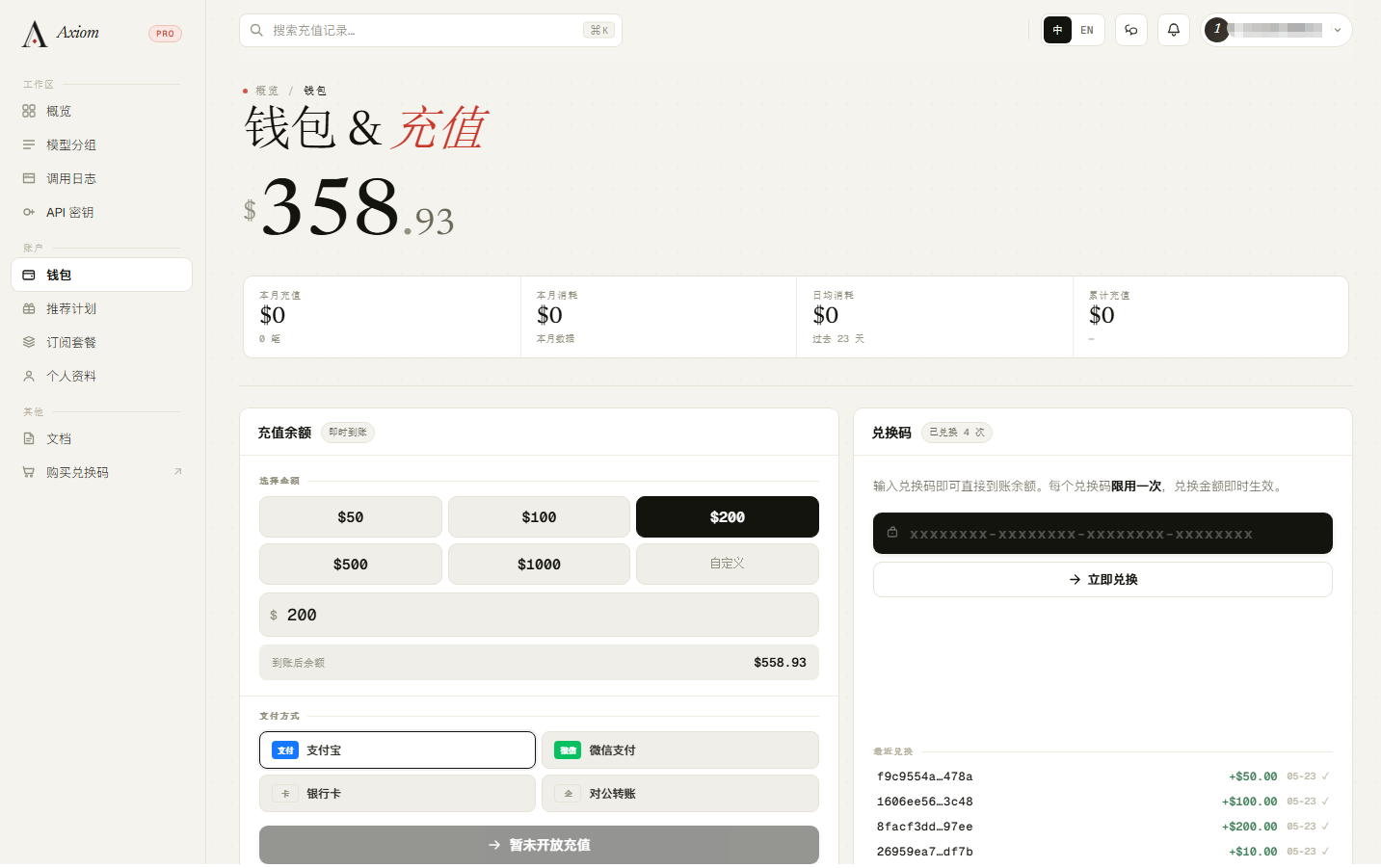
Confirming the credit
After a successful recharge, the new entry appears in "Recharge history". If your balance still hasn't updated after a few minutes, refresh the page, or contact support with a screenshot of your order / redemption code.
Insufficient balance is rejected
When your balance drops below ¥1, all API calls are rejected with an "insufficient balance" error. We recommend recharging in advance, or enabling low-balance reminders (if available).
Next: 1.3 Redemption Codes